Precision, Power & Possibility
Whether you’re a DIY enthusiast, Etsy entrepreneur, or full-time maker, laser engraving opens up a world of creative potential. From custom wood signs and leather wallets to etched glassware and metal jewelry, the right laser engraver can turn your ideas into tangible art. But with so many models, specs, and price points out there, how do you choose the one that fits your creative goals?
Let’s break it down—factual, fun, and tailored for creators who want to make smart, inspired decisions.
What Is a Laser Engraver?
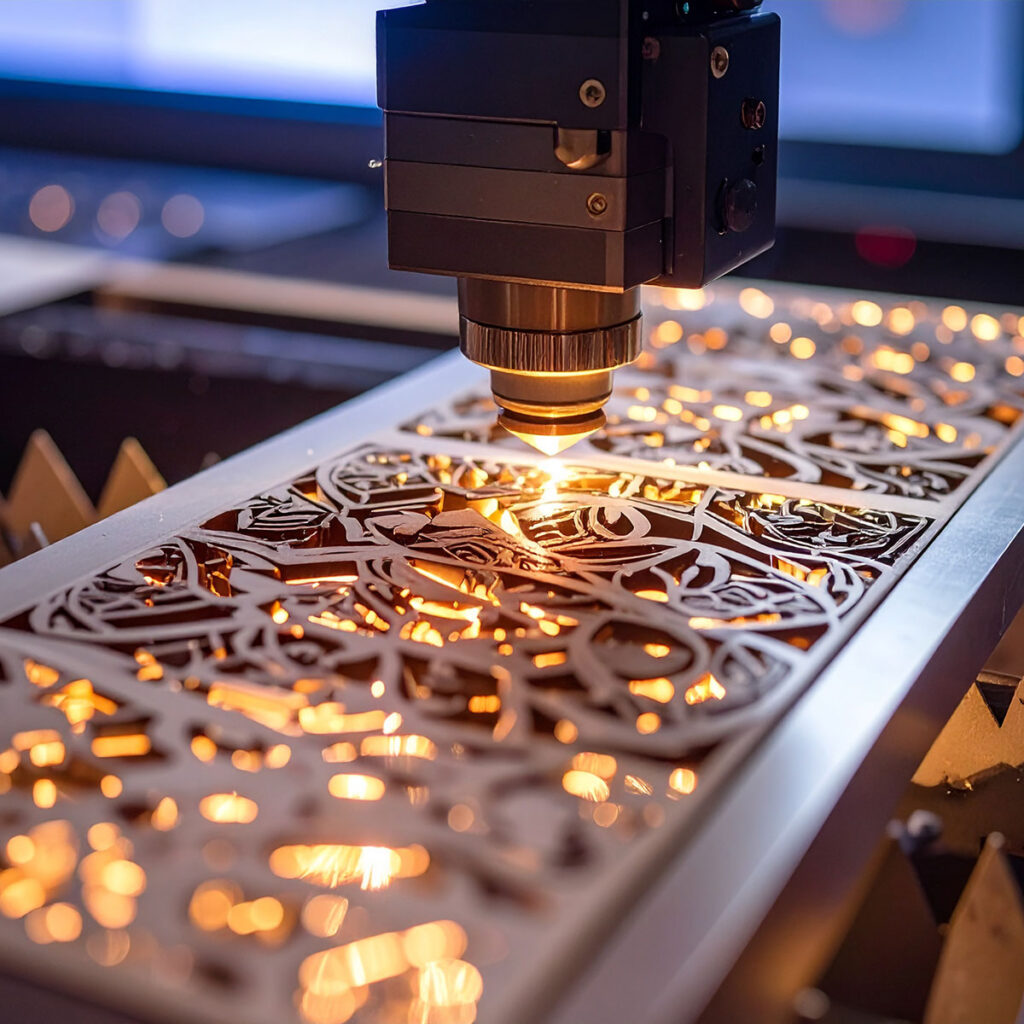
A laser engraver is a machine that uses a focused beam of light to mark, etch, or cut materials. Unlike traditional engraving tools, laser engravers are contactless, meaning they don’t physically touch the surface. This allows for cleaner lines, finer detail, and less wear and tear on the machine.
Laser engravers can work on a wide range of materials:
- Wood
- Acrylic
- Leather
- Glass
- Metal (depending on the laser type)
- Fabric
- Paper and cardboard
They’re used for everything from industrial part marking to personalized gifts, signage, and art.
Step 1: Know Your Laser Types
There are three main types of laser engravers, each suited to different materials and use cases:
1. CO₂ Lasers
- Best for: Wood, acrylic, leather, glass, fabric, and coated metals
- Power range: 30W–150W
- Pros: Versatile, affordable, great for beginners
- Cons: Not ideal for bare metals
CO₂ lasers are the go-to for most creators. They’re powerful enough to cut and engrave organic materials and are widely available in desktop and mid-size formats2.
2. Diode Lasers
- Best for: Wood, leather, rubber, cardboard, some plastics
- Power range: Up to 20W
- Pros: Compact, budget-friendly, great for small-scale projects
- Cons: Limited material compatibility, slower engraving speed
Diode lasers are perfect for hobbyists and small studios. They’re portable and precise, but not suitable for metal or high-volume production.
3. Fiber Lasers
- Best for: Metals (steel, aluminum, brass), some plastics
- Power range: 20W–100W+
- Pros: High precision, fast engraving, ideal for industrial use
- Cons: Expensive, limited to specific materials
Fiber lasers are the heavy hitters. If you’re engraving jewelry, tools, or electronics, this is your machine3.
Step 2: Match Power to Purpose
Laser power is measured in watts and directly affects how deep and fast the machine can engrave or cut.
- Low power (5W–20W): Great for engraving soft materials like wood and leather
- Mid-range (40W–60W): Ideal for creators working with a mix of materials
- High power (80W+): Necessary for cutting thick materials or engraving metals
More power isn’t always better. High wattage can damage delicate materials, so choose based on your primary use case.
Step 3: Consider the Engraving Area
The size of the engraving bed determines how large your projects can be.
- Small (under 12″ x 8″): Perfect for jewelry, coasters, and small crafts
- Medium (12″ x 20″): Great for signs, plaques, and multi-piece runs
- Large (20″ x 30″+): Ideal for furniture, large signage, and batch production
Some machines offer pass-through slots or tiling options for oversized projects. If you plan to scale up, don’t box yourself in with a tiny bed.
Crealty Falcon
Please visit our affiliate sponsor Crealty Falcon and if you choose to make a purchase, we may earn a small commission, at no extra cost to you. Your support helps us keep creating helpful content. Thanks!
Creality Falcon laser engravers combine precision engineering with creator-friendly features, making them a top choice for hobbyists, small businesses, and DIY enthusiasts. Whether you’re crafting personalized gifts or prototyping product designs, Creality Falcon engravers deliver consistent, high-resolution results with minimal setup.
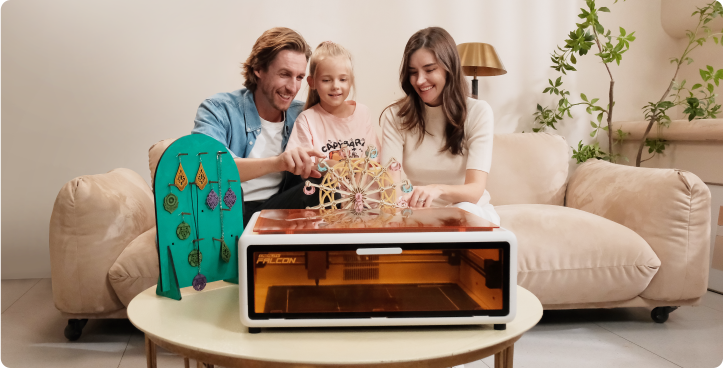
What sets Creality Falcon apart is its smart integration of advanced features like auto-focus, AI camera alignment, and real-time app control. The enclosed frame design ensures safety and visibility, while the intuitive touchscreen interface streamlines your workflow. From entry-level makers to seasoned creators, Creality Falcon laser engravers offer a reliable, high-performance platform to bring your ideas to life.
Step 4: Software Compatibility
Laser engravers rely on software to convert your designs into machine-readable instructions. Look for:
- User-friendly interface: Especially important for beginners
- File format support: SVG, DXF, PNG, and AI are common
- Design flexibility: Can you adjust speed, power, and resolution?
- Community support: Active forums and tutorials make a big difference
Popular software includes LightBurn, LaserGRBL, RDWorks, and proprietary apps from brands like Glowforge and xTool.
Step 5: Material Compatibility
Before you buy, make sure your engraver can handle the materials you love to work with.
| Material | CO₂ Laser | Diode Laser | Fiber Laser |
|---|---|---|---|
| Wood | ✅ | ✅ | ❌ |
| Acrylic | ✅ | ✅ (colored) | ❌ |
| Leather | ✅ | ✅ | ❌ |
| Glass | ✅ | ❌ | ❌ |
| Metal (bare) | ❌ | ❌ | ✅ |
| Coated Metal | ✅ | ❌ | ✅ |
| Fabric | ✅ | ✅ | ❌ |
| Plastic | ✅ | ✅ | ✅ |
If you’re unsure, test samples or check manufacturer specs before committing.
Step 6: Build Quality & Maintenance
Laser engravers are precision machines, so build quality matters. Look for:
- Sturdy frame: Aluminum or steel is better than plastic
- Reliable optics: Lenses and mirrors should be easy to clean and replace
- Cooling system: CO₂ lasers need water cooling; diode and fiber lasers often use air cooling
- Maintenance access: Can you easily reach belts, rails, and components?
A well-built machine lasts longer and performs better. Don’t skimp on durability.
Step 7: Safety Features
Laser engraving involves high heat and light intensity. Safety features to look for:
- Protective housing or shields
- Emergency stop button
- Laser safety goggles
- Ventilation or exhaust system
- Fire detection (especially for wood and fabric)
Some desktop models come fully enclosed, which is ideal for home studios or shared spaces.
Step 8: Budget & Value
Laser engravers range from $150 to $15,000+. Here’s a rough breakdown:
| Price Range | Type | Best For |
|---|---|---|
| $150–$500 | Diode Laser | Hobbyists, beginners |
| $500–$2,000 | CO₂ Laser | Small businesses, serious creators |
| $2,000–$6,000 | Fiber Laser | Metal engraving, industrial use |
| $6,000+ | Pro-grade CO₂/Fiber | High-volume production |
Factor in accessories like air assist, rotary attachments, and replacement parts. Sometimes a slightly pricier model with better support and features saves you money in the long run.
Step 9: Brand Reputation & Community
Stick with brands that have strong user communities, good customer support, and active development. Popular names include:
- xTool
- Glowforge
- OMTech
- Thunder Laser
- Atomstack
- Neje
- Trotec (high-end)
Check reviews, forums, and YouTube tutorials. A vibrant community means more help, inspiration, and troubleshooting tips.
Step 10: Your Creative Goals
Ultimately, your choice should reflect your creative vision. Ask yourself:
- What materials do I love working with?
- Do I want to sell my creations or just make for fun?
- Will I need to scale up production?
- Do I prefer plug-and-play simplicity or full customization?
If you’re a jewelry maker, a fiber laser is worth the investment. If you’re crafting home décor, a CO₂ laser offers versatility. If you’re just starting out, a diode laser lets you experiment without breaking the bank.
xTool
Please visit our affiliate sponsor xTool and if you choose to make a purchase, we may earn a small commission, at no extra cost to you. Your support helps us keep creating helpful content.
Unlock your creative potential with xTool, the cutting-edge laser engraving and cutting solution designed for makers, professionals, and small businesses. Whether you’re working with wood, acrylic, metal, leather, or glass, xTool machines deliver precision and versatility across a wide range of materials. With models like the xTool F2 Ultra and P3 CO₂ laser engraver, users can achieve intricate designs, deep cuts, and vibrant color engraving—all with intuitive software and robust safety features.
The xTool S1 stands out as a game-changer in the industry, combining the safety of enclosed machines with the power and flexibility of open-frame systems. It features a spacious working area of 19.6″ × 12.5″, high-speed movement up to 600mm/s, and advanced laser compression technology that merges eight 5.5W lasers into a powerful 40W beam. This means faster cuts, cleaner edges, and the ability to tackle larger projects with ease. Plus, with interchangeable laser modules—including infrared and diode options—you can tailor your setup to match your exact needs.
Safety and expandability are at the heart of xTool’s design philosophy. The xTool P3, for example, includes a fully enclosed build, emergency shut-off, fire safety systems, and smoke purification to ensure a secure workspace. Whether you’re a hobbyist scaling up or a business looking to streamline production, xTool offers a range of machines that grow with your ambitions.
Bonus Tips for Creators
- Start small, scale smart: Begin with a budget-friendly model and upgrade as your skills and business grow.
- Test and tweak: Every material reacts differently. Keep a log of settings for repeatable results.
- Design with intention: High-resolution images and vector graphics yield the best engravings.
- Join maker communities: Reddit, Facebook groups, and Discord channels are goldmines for tips and inspiration.
- Document your journey: Share your process on social media—it builds your brand and connects you with fellow creators.
Unlocking Creative Potential
Choosing the right laser engraver isn’t just about specs—it’s about unlocking your creative potential. Whether you’re engraving heartfelt gifts, launching a product line, or exploring a new artistic medium, the right machine becomes an extension of your imagination.
So take your time, do your research, and pick a laser engraver that fits your style, your goals, and your dreams. The beam is yours to command.
Glowforge
Please visit our affiliate sponsor Glowforge and if you choose to make a purchase, we may earn a small commission, at no extra cost to you. Your support helps us keep creating helpful content.
Glowforge laser engravers are redefining creativity for makers, artists, and entrepreneurs with their powerful, user-friendly design. Whether you’re crafting custom wood signs, engraving leather wallets, or cutting intricate acrylic shapes, Glowforge machines deliver precision and versatility across hundreds of materials—including wood, paper, leather, fabric, and even food.
What sets Glowforge apart is its seamless integration of hardware and software. The intuitive design platform allows you to upload, customize, and print your creations with ease—no steep learning curve required. Whether you’re just starting out or scaling up your creative business, Glowforge offers a premium engraving experience that turns imagination into reality Try Glowforge today!
Share this page: